
Industrial inspection platform
Industrial inspection, managed from requirement to report.
NEXPEC connects clients and inspection agencies with independent inspectors for welding, NDT, coatings, mechanical, electrical, civil, chemical and every other inspection field, and manages each job from the first requirement to the delivered report.
No account needed
Send a request as a guest. A NEXPEC coordinator reads it and replies by email.
Reviewed before it is live
NEXPEC reviews every job before inspectors can see it.
Stored privately
Requests and attachments are stored privately. You choose who sees the scope.
New · The NEXPEC network
The professional network built for inspection
Meet verified inspectors and QA teams, see the work they have done, and take a job from the first message to the signed report without leaving NEXPEC.
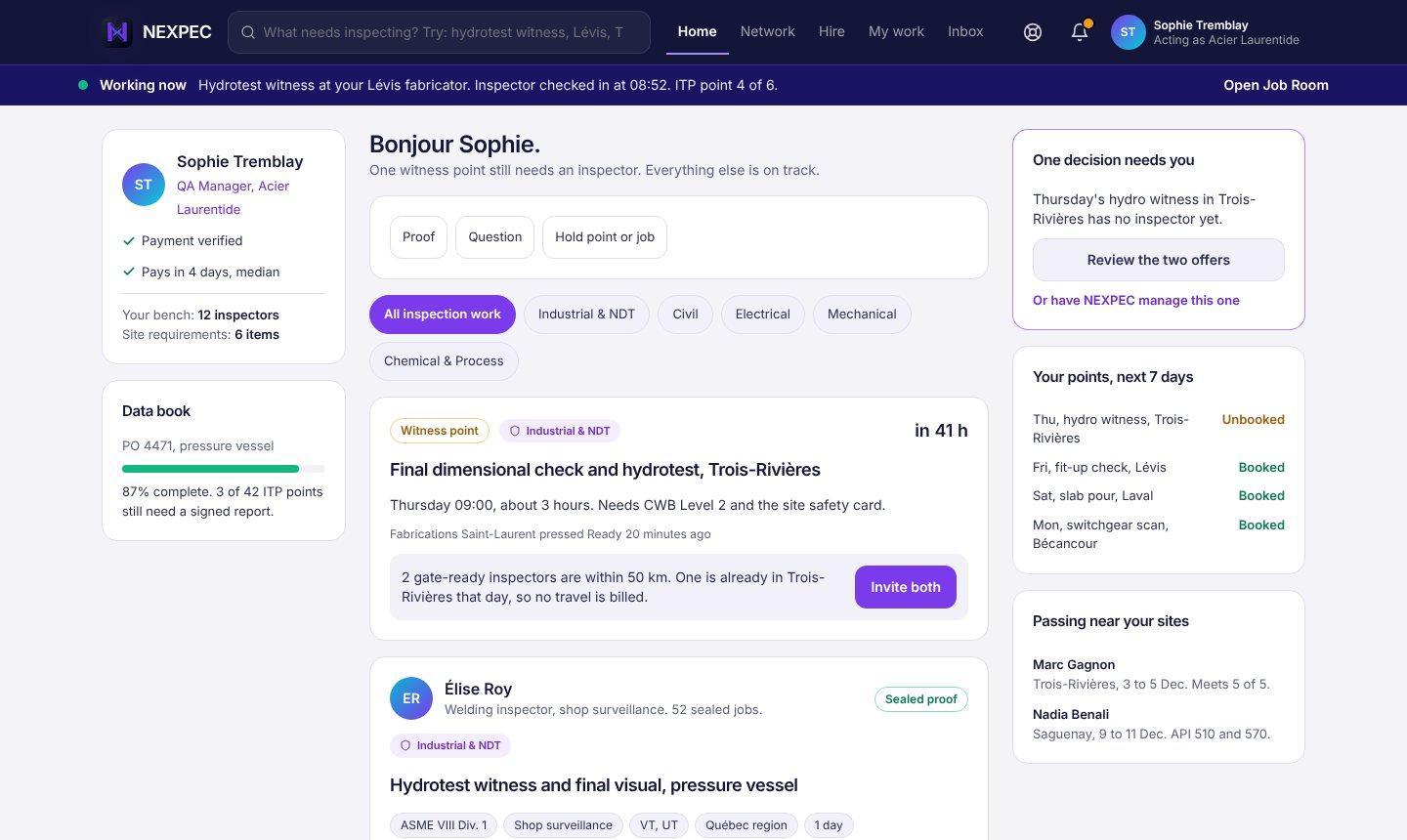
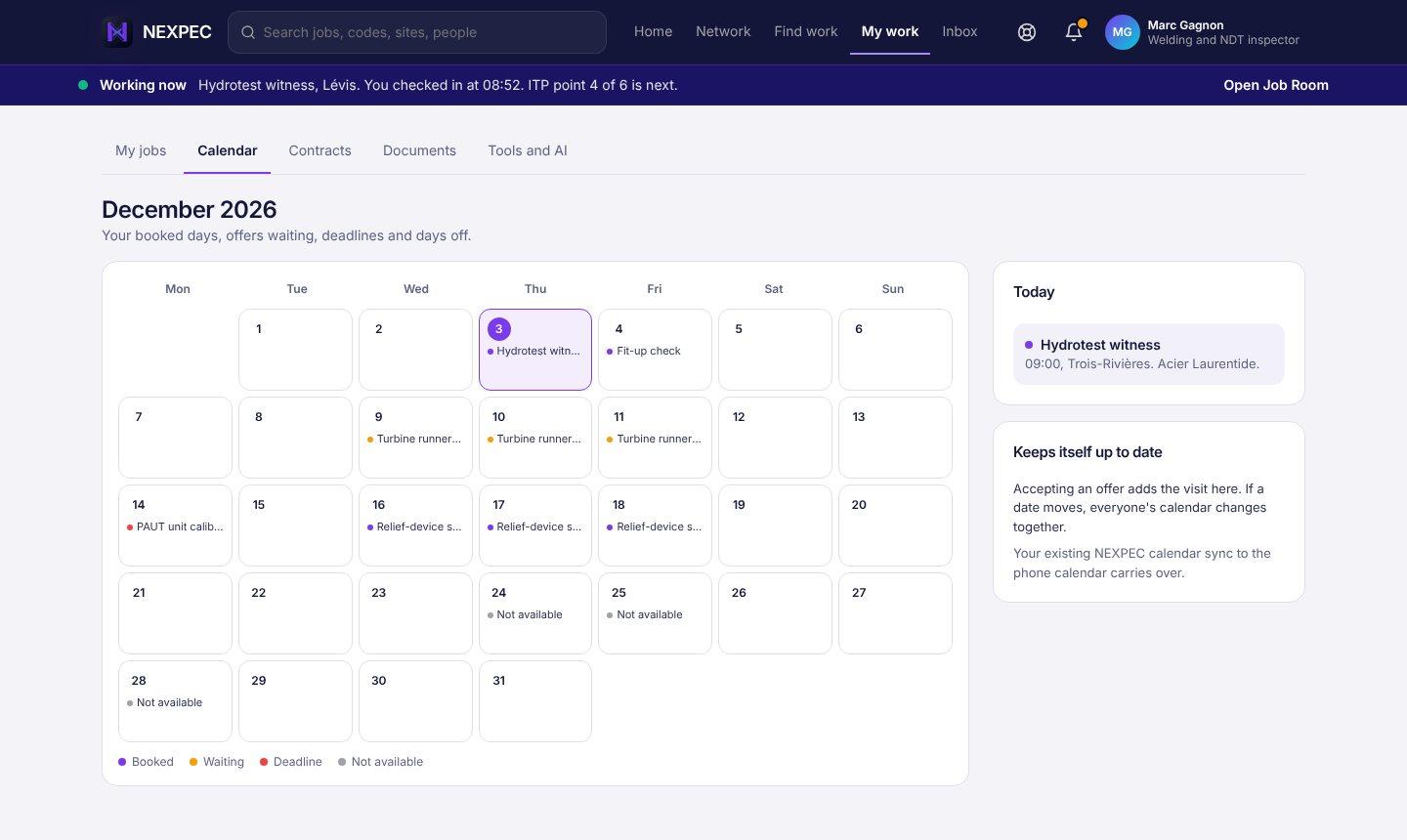
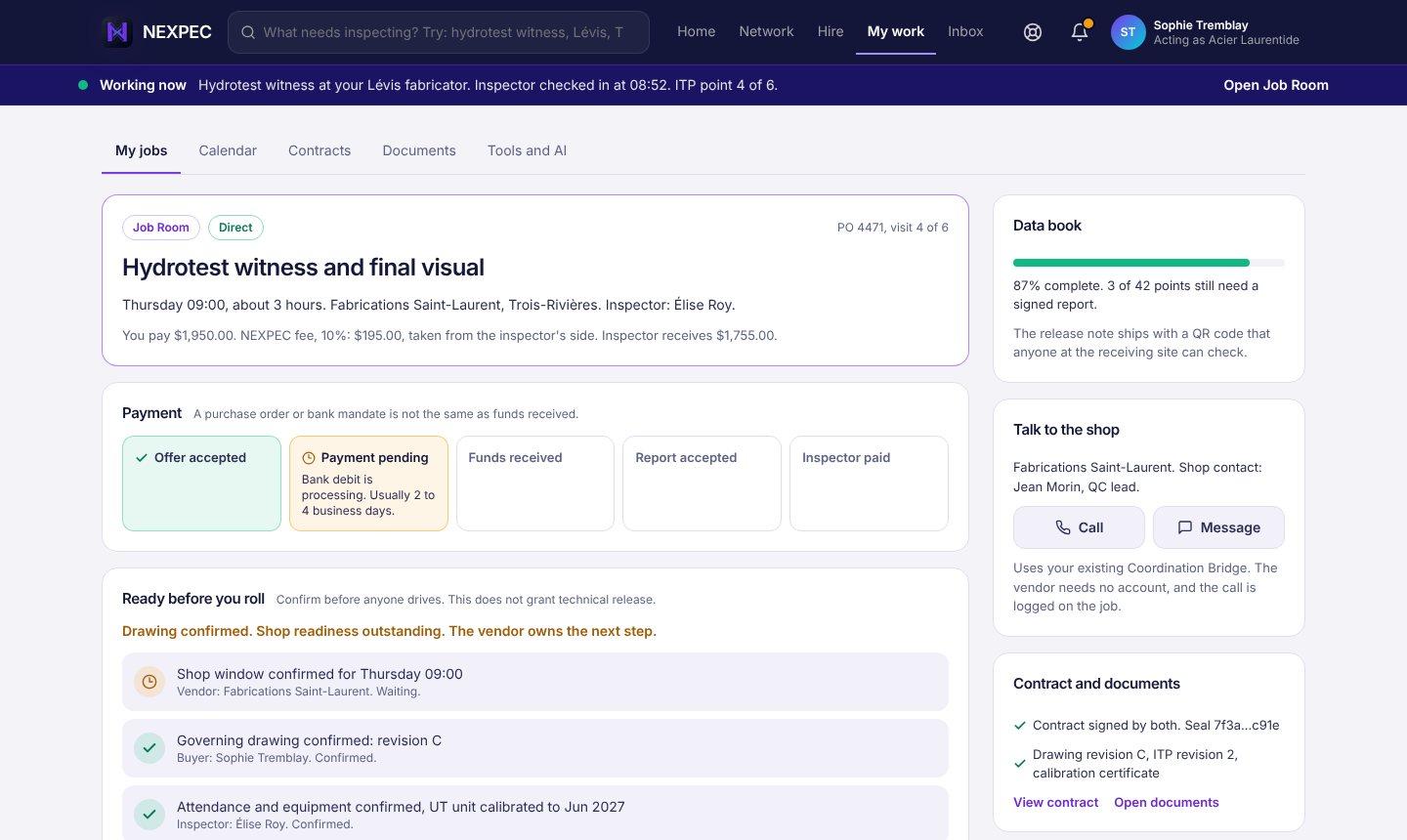
Design previews with illustrative names. Features arrive in stages.
Real people, real work
Inspectors in welding, civil, electrical, mechanical and process show their checked credentials and the work they have done, not just a résumé.
From a message to a signed job
Ask about similar work, and agree an offer in the same thread. NEXPEC then sets up the contract and payment.
Everything dated in one place
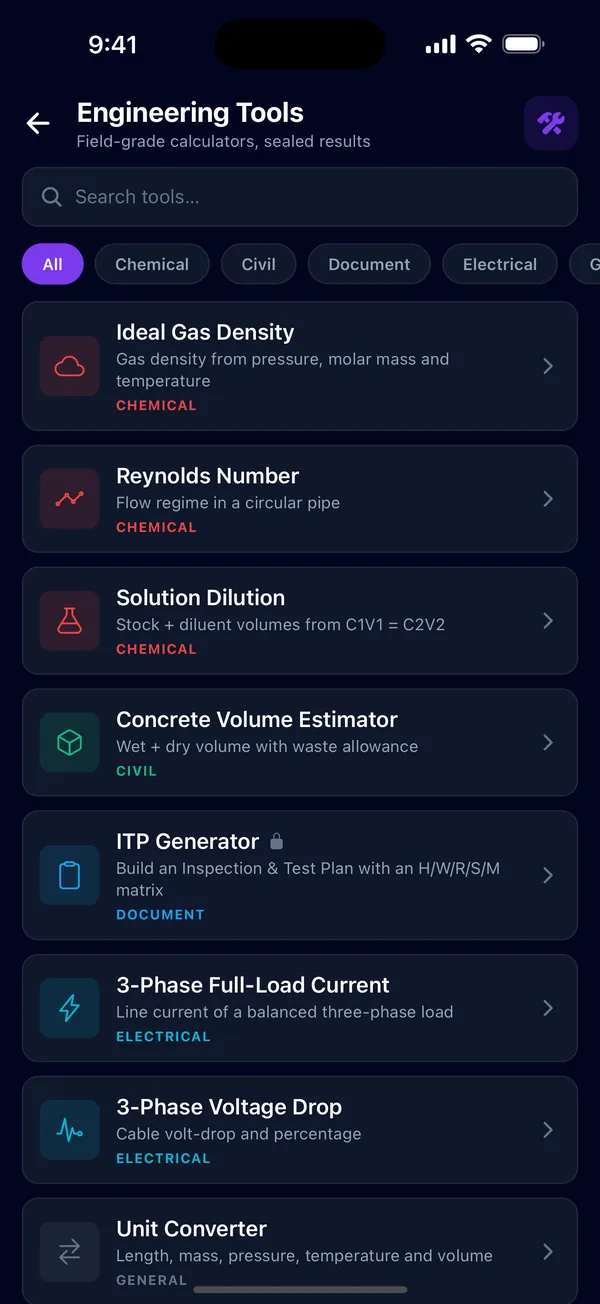
Calendar, contracts, documents, engineering tools and the AI co-inspector, one tap from the job.
Inspection fields · 19 fields · 309 specialties
Every inspection field, one platform.
Welding and NDT, coatings and corrosion, mechanical and rotating, electrical and instrumentation, civil and structural, chemical and process, lifting, power, marine, aerospace and more: 19 fields and 309 specialties, the same list inspectors choose from on their profiles. Choose a field to see the inspectors who list it.

Welding & joining
22 specialties
AWS CWI · CSWIP 3.1 Welding Inspector · CSWIP 3.2 Senior Welding Inspector · IWE · WPS / PQR Review · Welder / Operator Qualification

NDT methods
24 specialties
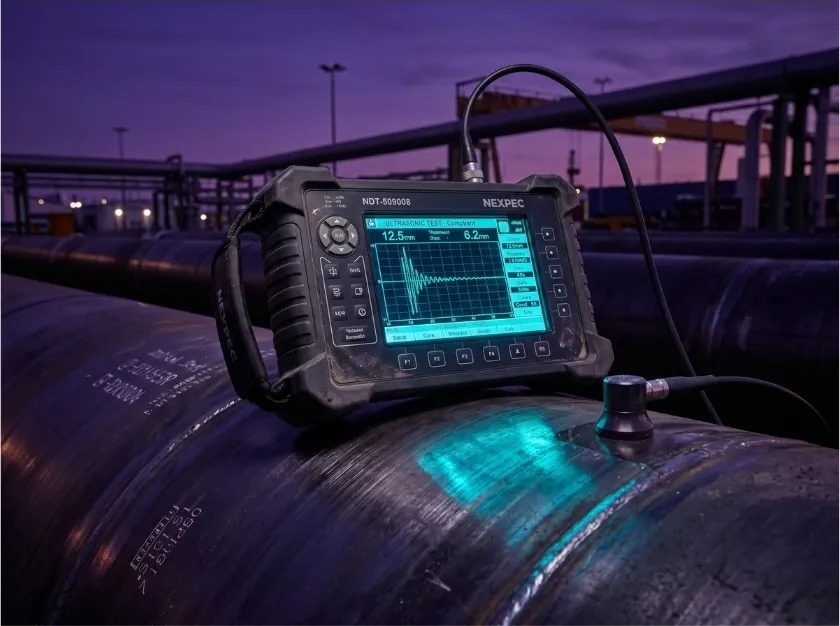
Ultrasonic Testing (UT) · Phased Array UT (PAUT) · Radiographic Testing (RT) · Magnetic Particle Testing (MT) · Liquid Penetrant Testing (PT) · Eddy Current Testing (ET)
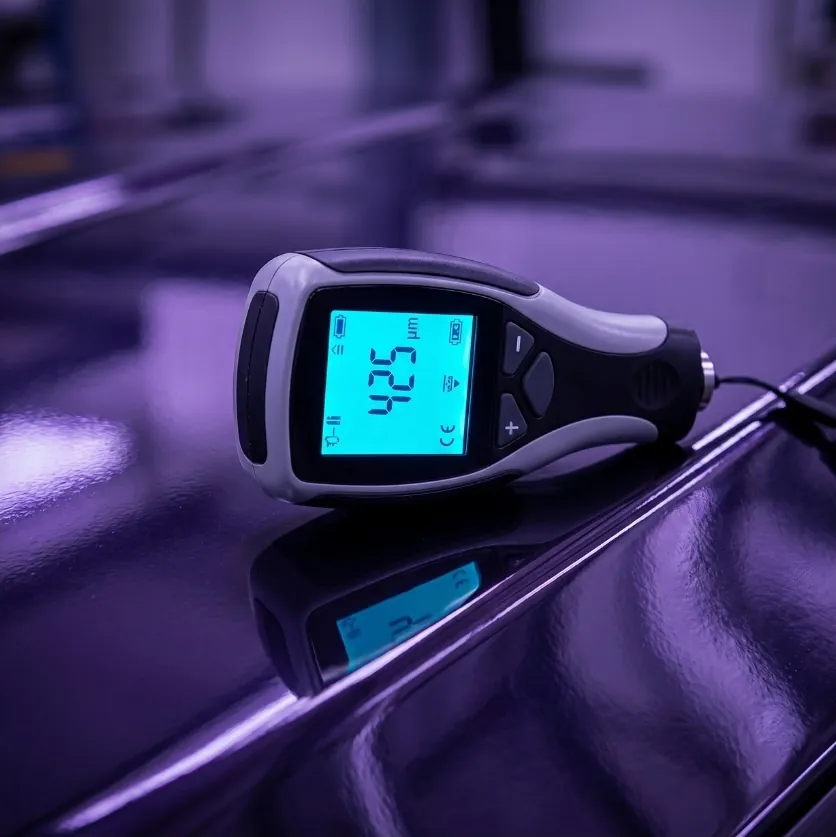
Coatings & corrosion
23 specialties
NACE / AMPP CIP Level 1 · SSPC PCI · FROSIO Coating Inspector · Cathodic Protection Design · Corrosion-Under-Insulation (CUI)

API standards
21 specialties
API 510 · API 570 · API 653 · API 580 · API 1169

Chemical & process
12 specialties
Process Safety Management (PSM) · Mechanical Integrity (MI) · Process Hazard Analysis (PHA / HAZOP) · LDAR · Safety Instrumented Systems (IEC 61511 / SIS)

Pressure equipment & boilers
17 specialties
ASME BPVC Section VIII Div 1 · ASME BPVC Section I · Heat Exchanger Inspection · Pressure-Relief Devices · Hydrostatic / Pneumatic Testing

Piping & pipelines
17 specialties
ASME B31.3 · ASME B31.8 · Pipeline Integrity Management · Pigging & In-Line Inspection (ILI) · Pipeline Hydrotest

Storage tanks
10 specialties
Tank Floor MFL Scan · Tank Shell UT Mapping · Tank Roof Inspection · LNG Storage Tank

Mechanical & rotating
16 specialties
Centrifugal Pumps · Centrifugal Compressors · Gas Turbines · Vibration Analysis (CAT II/III/IV) · Laser Shaft Alignment · Valves & Actuators

Electrical & instrumentation
15 specialties
Hazardous-Area / Ex · CompEx Ex01–04 · High-Voltage / Substations · Electrical Thermography · Instrumentation & Controls · PLC / SCADA

Civil & structural
16 specialties
Structural Steel · Concrete Inspection · Bridge Inspection · Foundation Inspection · Rope Access IRATA / SPRAT L1

Power & renewables
17 specialties
Wind — Offshore · Solar PV · Combined-Cycle Plant · Battery Energy Storage (BESS) · Substation Audit · Transmission Tower

Oil & gas — upstream
13 specialties
Drilling Rig Inspection · Wellhead / Christmas Tree · Offshore Platform · FPSO / FSO · Subsea Equipment
Oil & gas — downstream / process
16 specialties
Refinery Inspection · Petrochemical Plant · LNG Plant · Turnaround / Shutdown · FCC Unit

Marine & offshore
11 specialties
Class Survey (DNV, ABS, LR, BV) · Hull & Machinery Survey · ROV Inspection · Mooring & Anchor Inspection

Lifting & rigging
10 specialties
LEEA General Lifting · Crane Inspection (ASME B30) · Wire Rope Inspection · Lifting Gear / Slings

Aerospace & defense
6 specialties
NAS 410 NDT · EASA Part-145 · Composite Inspection · MIL-STD-2154
Special domains
19 specialties
Cement Plant · Steel Mill · Glass Manufacturing · Pulp & Paper · Mining · Rail Track / Rolling Stock

Quality, safety & systems
24 specialties
ISO 17020 · ISO 9001 Lead Auditor · Witness / Source Inspection · Vendor Surveillance · Expediting · NEBOSH IGC
Scheme names belong to their issuing bodies. NEXPEC does not issue these qualifications; it records the ones inspectors hold and reviews the documents behind them.
Browse the inspector directoryFilm
See how it works.
A short walk through one inspection job on NEXPEC, from the requirement to the report.
How it works
From requirement to report, in six steps.
One job, followed from the first message to the delivered report. Every request is read by a person.
Requirement
You send location, date, discipline and scope, in your own words or by pasting the RFQ. No account is needed. NEXPEC shows which details it picked out and which are still missing.
By Client or agency

Matching
A NEXPEC coordinator reads the request, identifies inspectors in the network whose profiles fit, and contacts them. You choose whether the scope stays private, goes only to matched inspectors, or is posted.
By NEXPEC coordinator

Contract
You review the candidates NEXPEC puts forward and agree the work. Scope, dates and terms are agreed between the parties and set out in a contract on the platform.
By Client and inspector

On-site inspection
The inspector works the job from the NEXPEC mobile app on iOS or Android, recording findings, photos and evidence against it.
By Inspector
Report
The inspector submits the report through NEXPEC. The NEXPEC review is recorded with it, and the client accepts it.
By Inspector, NEXPEC, client

Payment
Payment is made on the terms the parties agreed.
By Client and inspector

On the web · Clients and agencies
Everything about the job, in one record.
On the web, the request, its tracking page, the contract, the job’s messages and the report stay together, and changes are written to an audit log.
 nexpecapp.com/request
Send a request without an account
Describe the job in your own words or paste the RFQ as it is. NEXPEC shows the details it picked out and what is still missing, and a coordinator replies by email.
Open the request formTrack where it stands
Each request has its own page: the stage it is at, what is still missing, file uploads, and colleagues you invite to one part of it.
Reports, reviewed and accepted
The inspector submits the report through NEXPEC. The NEXPEC review is recorded with it, and the client accepts it.
Contracts on the platform
Scope, dates and terms are agreed between the parties and set out in a contract on the platform.
A job room with NEXPEC
Clients message NEXPEC in a room for each job, opened from the contract, alongside a Help & Support room.
An audit trail
Changes to jobs, applications and contracts, and administrator actions, are written to an audit log with who and when.
Request form: screenshot of the live page.
On site · iPhone and Android
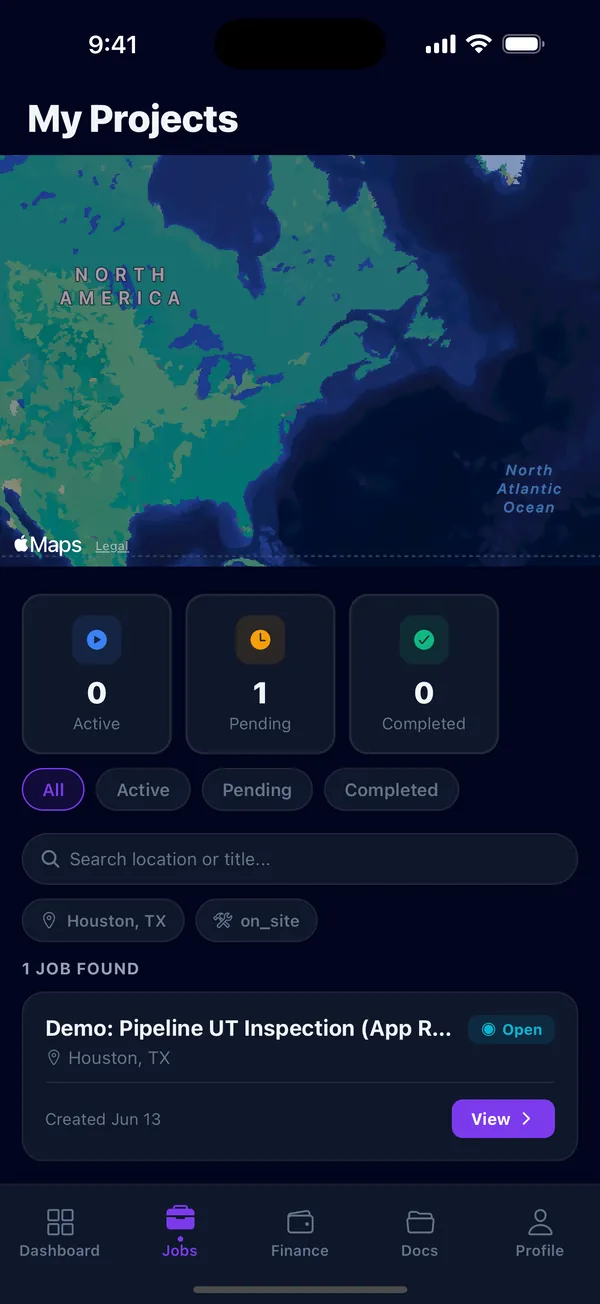
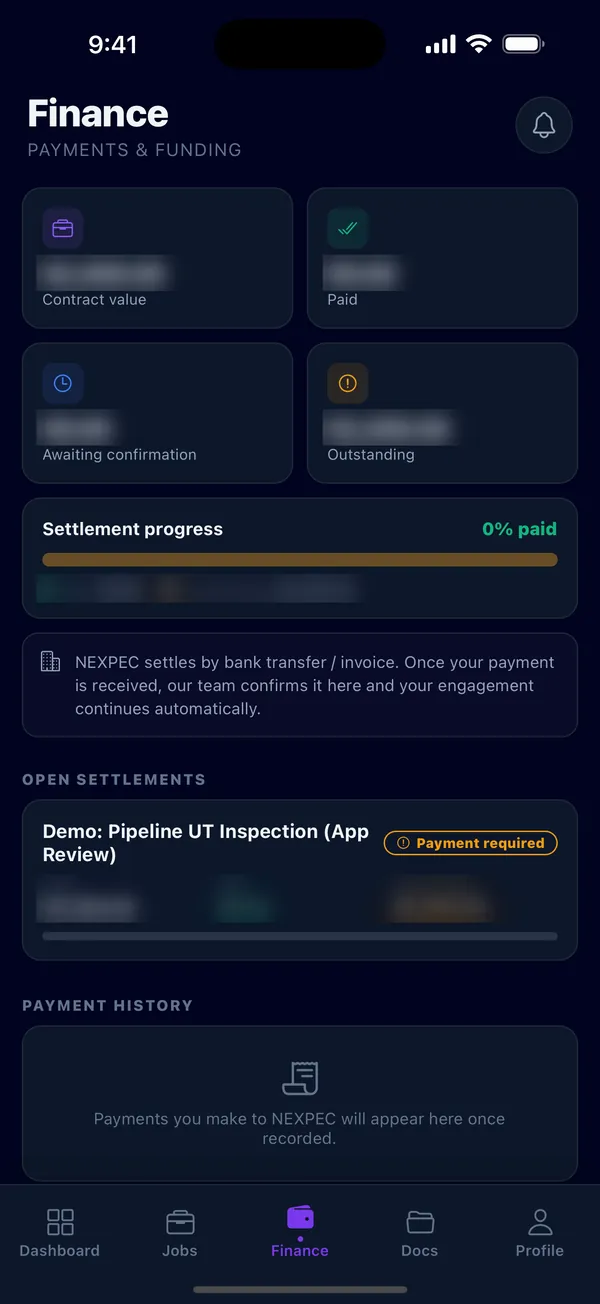
The same job, on the phone in the inspector’s hand.
Manage inspection work from the web, iPhone or Android: assign jobs, capture evidence in the field, and review reports on the same account.
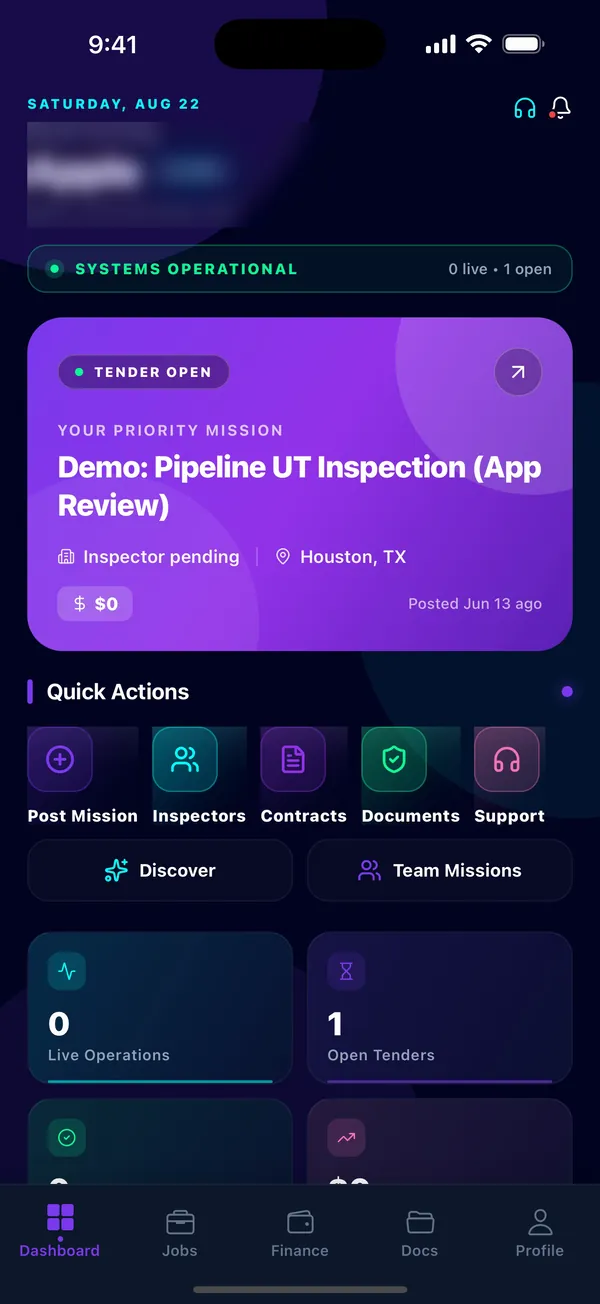
Screen 01 / 04
The day’s work at a glance.
The priority job, its status and its location sit at the top.
Quick actions open missions, inspectors, contracts, documents and support.
Account name and e-mail blurred.
On site
The inspector files the report from the job: findings, a photo as evidence and a signature, submitted through NEXPEC.


Verification
What “verified” means on NEXPEC.
A credential on an inspector’s record moves through three states. Knowing which one it is in tells you what has been checked and what has only been stated.
State 1 of 3: Declared
The inspector lists the credential.
Scheme, issuing body, certificate number and expiry date go on the profile. At this point it is a statement by the inspector and nothing more.
State 2 of 3: Document on file
The certificate is uploaded.
The inspector adds the document itself. A file on record is evidence that can be checked. It is not yet a result.
State 3 of 3: Reviewed
NEXPEC reviews the document.
A NEXPEC reviewer checks the document against what was declared and records the outcome. Only then is the credential shown as verified.
What it covers. Verified is NEXPEC’s own check: a reviewer has examined the document an inspector provided for that credential, and the review is recorded.
What it does not. It is not a certification. Certifications are issued by the bodies that own each scheme, and your own qualification requirements for a job still apply.
How NEXPEC handles your work
- Private by default
- Requests and attachments are stored privately. You choose whether the scope stays with NEXPEC, goes to matched inspectors, or is posted, and your contact details are not shared without your agreement.
- Reviewed before it is live
- NEXPEC reviews every job before inspectors can see it, and only an administrator can approve one. Inspectors are reviewed before they can apply.
- Audit trail
- Changes to jobs and applications, and administrator actions such as approvals and activations, are written to an audit log with who and when.
Who it is for
Three parties, one job record.
Clients
Owners, EPCs and fabricators
- Send one requirement instead of calling around: location, date, discipline and scope.
- Review the candidates NEXPEC puts forward, with the credentials each has on file.
- Receive findings, photos and the report through NEXPEC.
Agencies
Inspection agencies
- NEXPEC works alongside inspection agencies. It does not replace them.
- Send a requirement when your own inspectors are committed or the site is out of reach.
- On the public marketplace an agency appears as a single entry. Its individual inspectors are not listed.
Inspectors
Independent inspectors
- Joining is free.
- Build a digital profile and CV: disciplines, location, experience and your certifications.
- Upload each certificate once. NEXPEC reviews it, and reviewed credentials show as verified.
Live Marketplace
The marketplace, in the open.
Open inspections and available specialists, published as they go live — identities protected, every engagement arranged through NEXPEC.
The marketplace is coming online
Specialists and open inspections will surface here as they go live — identities protected, every engagement brokered through NEXPEC.
Start here
Send your inspection scope.
Location Date Discipline Scope
No account needed. A NEXPEC coordinator reads every request and replies by email.
Inspectors
Join free, record your certifications, and build a profile clients and agencies can check.
Build your verified profile